Networking · Physical Security

What is UniFi Protect?

UniFi Protect is Ubiquiti’s integrated video-security platform. It brings compatible cameras, local video recording, event review and remote viewing into the same broader UniFi ecosystem COD uses for networking.

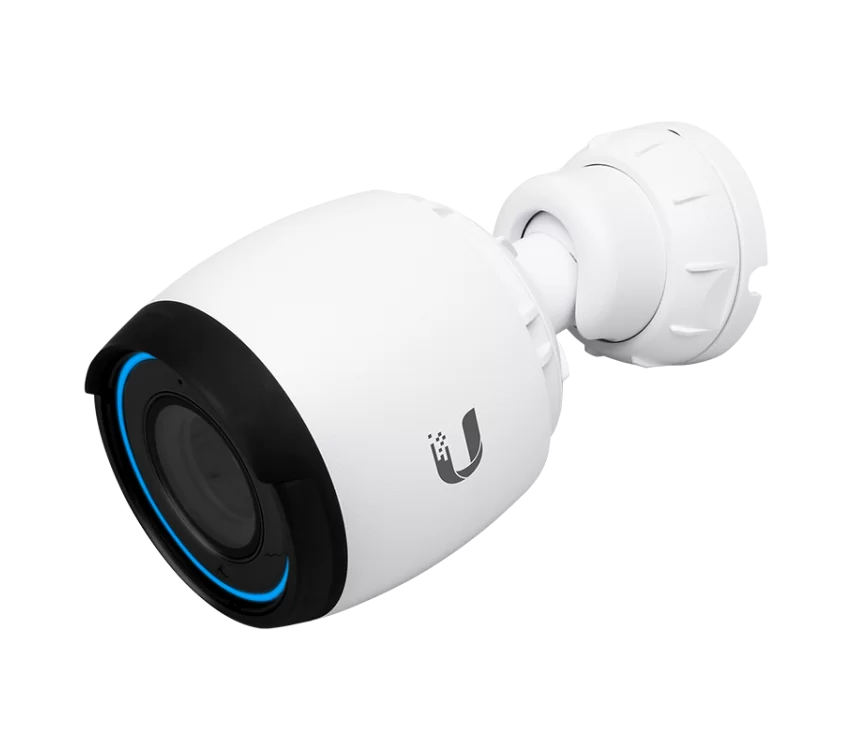
Cameras

Indoor, outdoor, fixed and specialty camera options can cover entrances, registers, parking areas, workspaces and other important locations.

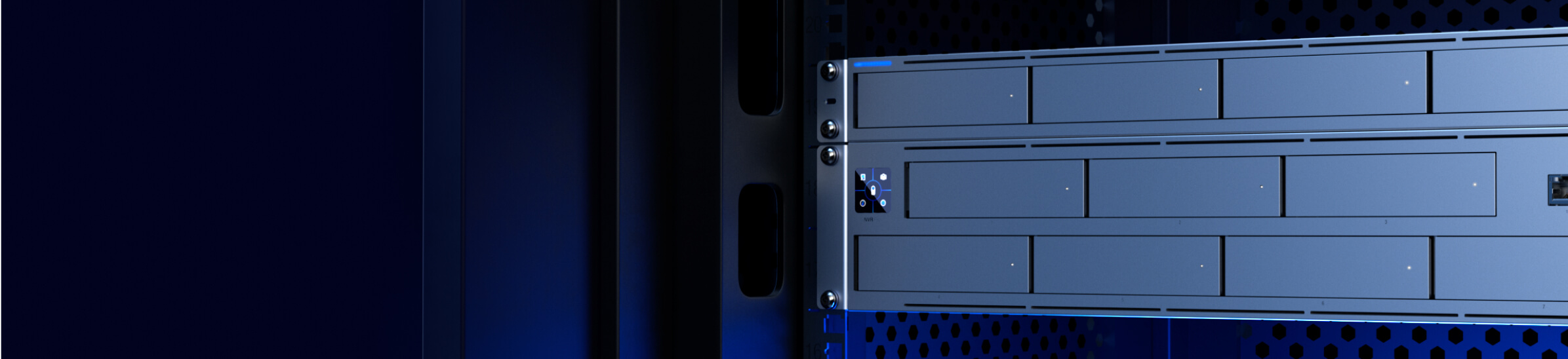
Local Recording

Video is recorded to compatible UniFi console or NVR hardware at the site rather than requiring ordinary footage to live in a paid cloud-storage plan.

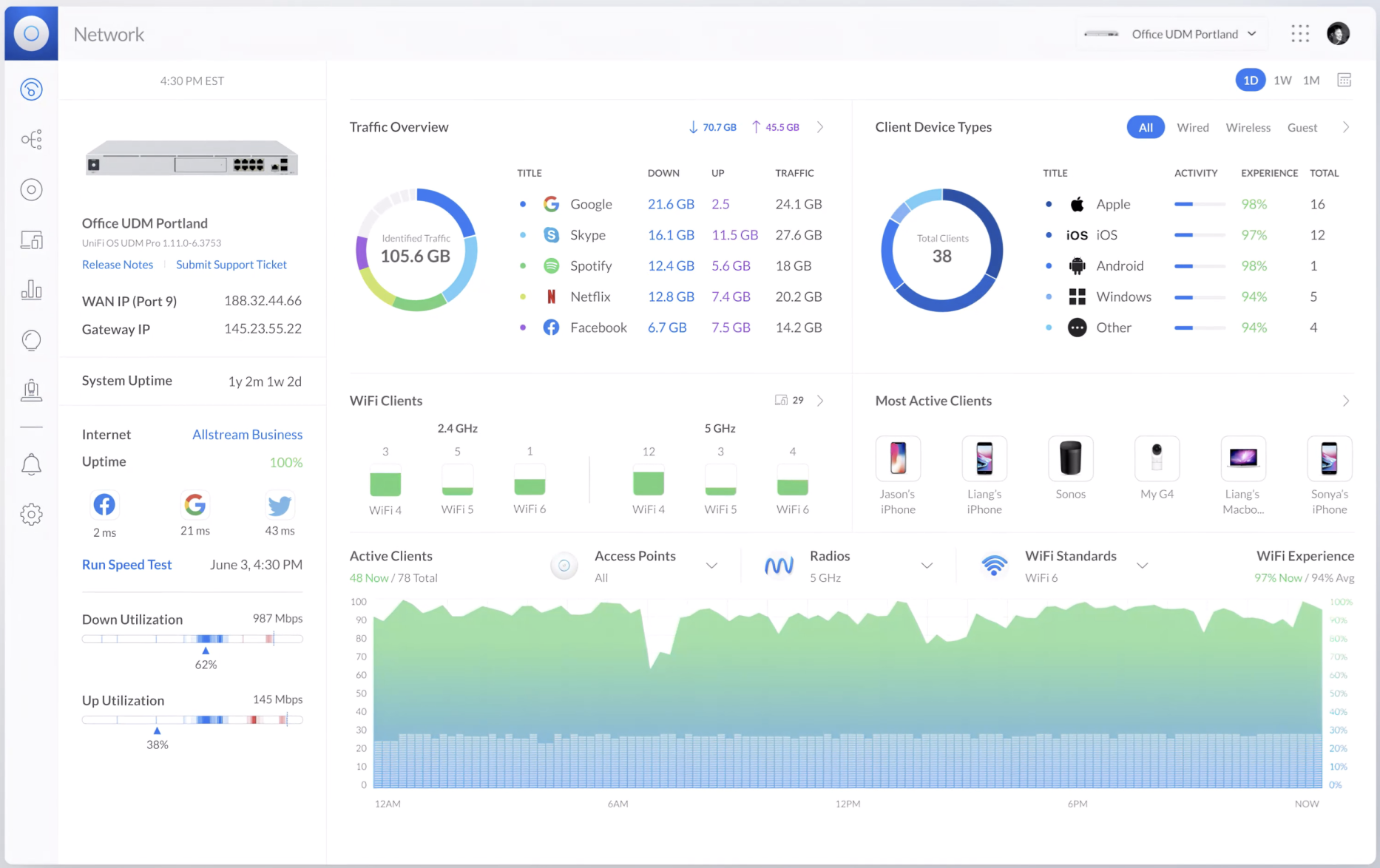
Event Review

Review recordings and detected events from a centralized interface instead of searching individual camera devices.

Remote Viewing

Authorized users can securely reach the Protect environment remotely through supported UniFi access methods.

Integrated Management

Networking and physical security can be part of one manageable ecosystem rather than separate consumer platforms.

$

No Protect License Fee

Protect’s core local video-management model does not require per-camera software licensing or a mandatory recurring cloud-recording subscription.

The important distinction: “no subscription” does not mean “no infrastructure.” Cameras still need power/network connectivity and recordings need properly sized local storage. COD designs the recording hardware and retention around the number of cameras and the business’s needs.
Why it matters

Keep the convenience. Own the recording platform.

Many camera systems are inexpensive to buy because the ongoing cloud subscription is part of the business model. Protect takes a different approach: the customer purchases the cameras and local recording infrastructure, while day-to-day video management remains available through the Protect application.

For the right small business or home, that can provide predictable costs, local control and a camera system that fits naturally beside the network COD is already managing.